
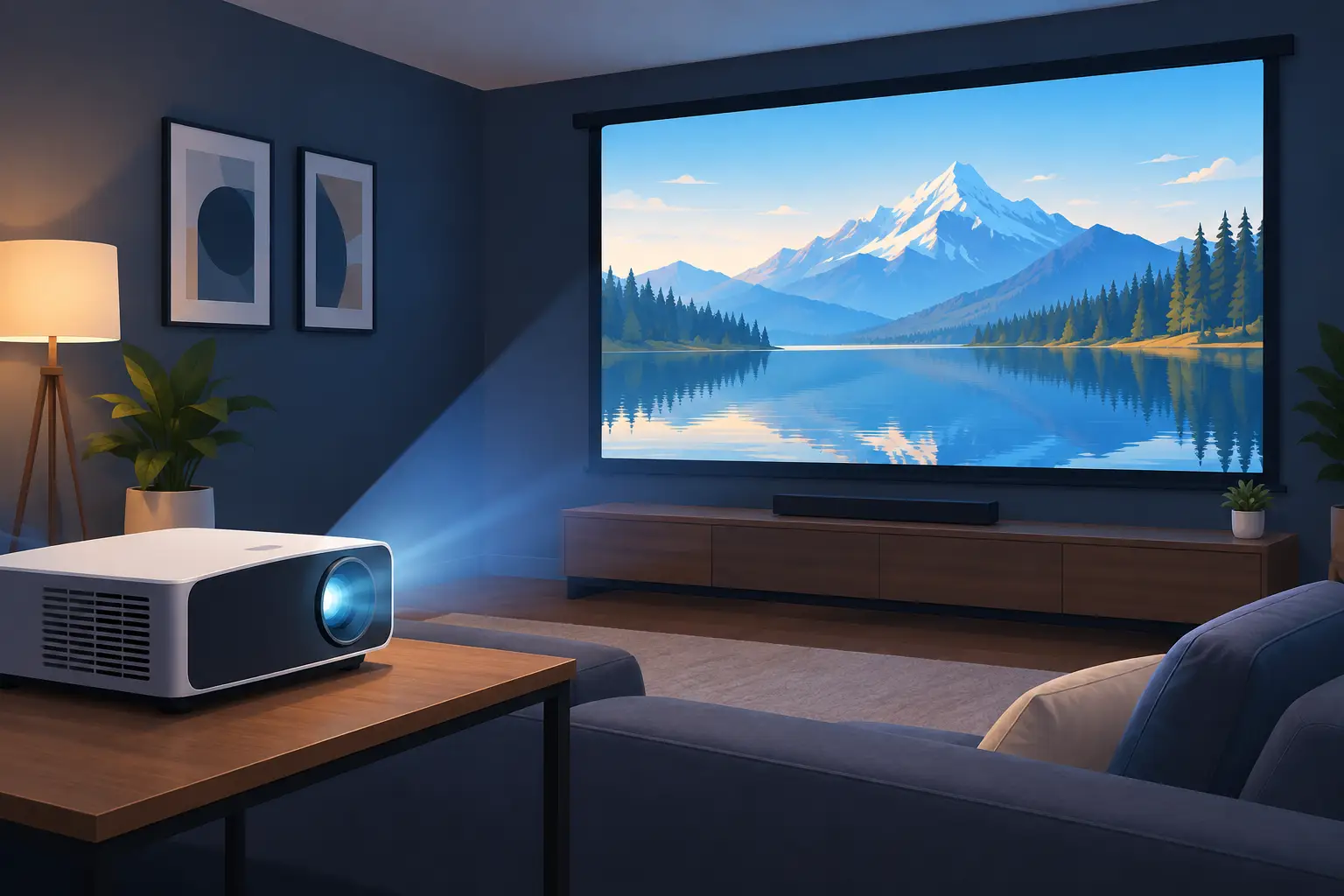
A projector can turn a spare room, living room, or covered patio into a seriously memorable movie space. But the best projector for home theater is not simply the model with the highest brightness or the largest number on the box. It is the one that matches your room, viewing habits, screen size, and budget without creating setup problems later.
A bright living room needs a different projector from a dedicated dark theater. A gamer may prioritize fast response time and HDMI features, while a family streaming movies may care more about built-in smart functions, simple wireless casting, and reliable Full HD picture quality. Start with the room, then choose the technology.
Best Projector for Home Theater: Start With Your Room
Before comparing brands or sale prices, measure the wall or screen area and the distance from the projector position to the screen. This is called throw distance, and it decides whether a projector can create your preferred image size from where you plan to install it.
For example, a standard-throw projector usually sits several feet back from the screen. This works well in a dedicated theater room or a larger living room where a ceiling mount is possible. A short-throw projector can produce a large image from much closer to the wall, making it a practical choice for apartments, compact rooms, or spaces where people may walk in front of the light path.
Also consider light control honestly. If you can close blackout curtains and dim the lights, you can prioritize contrast, black levels, and cinema-focused color. If afternoon light enters through windows or you plan to watch sports with lights on, higher ANSI lumens become more important. A projector cannot fully overpower direct sunlight, however. Better window coverings and the right screen often improve the result more than simply buying a brighter model.
Resolution: Full HD Is the Starting Point
Resolution determines how much image detail the projector can display. For a serious home theater, Full HD 1080p is a strong minimum. It delivers a sharp, enjoyable image for streaming, Blu-ray movies, sports, and console gaming, especially at common screen sizes.
4K projectors offer more detail and can make a noticeable difference on screens around 100 inches and above, particularly when sitting close enough to see fine textures in films, landscapes, and game environments. They are a worthwhile step up for buyers building a long-term theater room or pairing the projector with 4K streaming devices and modern game consoles.
That said, 4K is not automatically the right answer. In a room with uncontrolled lighting, an entry-level 4K model may look less impressive than a well-calibrated Full HD projector with suitable brightness and a proper screen. Allocate your budget across the complete setup rather than putting every dollar into resolution alone.
Native Resolution and Supported Resolution
Check whether the listed resolution is native or merely supported. A projector may accept a 4K signal but display it at a lower native resolution. There is nothing wrong with this for casual viewing, but it should be clear in the specifications. Native Full HD or native 4K gives you a more reliable indication of expected picture detail.
Brightness and Contrast: Balance Matters
Brightness is commonly measured in ANSI lumens. For a dark, dedicated theater, excessive brightness can make black areas look gray and reduce the cinematic feel. For multipurpose rooms, a brighter projector helps the image hold up when there is ambient light.
As a general starting point, around 2,000 to 3,000 ANSI lumens can work well for many home settings, depending on screen size and lighting. Larger screens need more light. So do light-colored rooms with reflective walls and ceilings. Be cautious with vague brightness claims that do not state ANSI lumens, since those figures are not always directly comparable.
Contrast matters just as much for movie nights. It is the difference between the darkest and brightest parts of an image. Strong contrast adds depth to night scenes, shadows, and letterbox bars. Technologies and image settings affect contrast, but your room has a major influence too. Darker wall colors, controlled lighting, and a quality screen help preserve the deep, dimensional image people expect from home cinema.
Choose a Light Source That Fits Your Use
Lamp projectors remain a value-focused option. They can deliver excellent Full HD or 4K performance at an accessible purchase price, but lamps eventually need replacement. If you watch only a few nights each week, that trade-off may be perfectly reasonable.
Laser projectors cost more upfront but are designed for a longer light-source life, fast start-up, and consistent brightness over years of use. They suit frequent viewers, busy family rooms, and buyers who want less maintenance. LED projectors are often compact and energy-efficient, making them attractive for portable viewing, although brightness and image performance vary widely by model.
There is no single winner. A lamp model may offer better value for a first theater setup, while laser is often the smarter choice for high-use installations where convenience matters.
Screen Size, Screen Type, and Placement
A bare white wall can work for occasional movie nights, but a dedicated projector screen gives a flatter, more even image and more predictable color. Fixed-frame screens are ideal for permanent theater rooms. Motorized screens keep a living room flexible, while portable screens are useful for outdoor or temporary viewing.
Do not chase the largest possible image at the expense of brightness and comfort. A 100-inch screen is a popular home-theater target, but the right size depends on seating distance. If viewers sit too close to a very large screen, the image can feel overwhelming. If they sit too far away, even a 4K image loses some of its impact.
Projector placement deserves equal attention. Check for keystone correction, lens shift, and zoom range. Keystone correction is useful when placement is imperfect, but relying on extreme correction can reduce image quality. Lens shift is generally more desirable because it lets you move the image without digitally reshaping it. A compatible ceiling mount or wall mount keeps the projector secure, aligned, and out of the way.
Connectivity for Streaming, Gaming, and Sound
At minimum, look for HDMI inputs for a streaming stick, media player, game console, or Blu-ray player. If gaming is a priority, check for low input lag and features such as 4K input support or higher refresh-rate compatibility. A beautiful image is less satisfying when controller response feels delayed.
Smart projectors with Android-based apps can reduce cable clutter, but built-in apps should be treated as a convenience, not the only way to watch. An external streaming device is easy to replace or upgrade later. Wireless display options, AirPlay compatibility, and screen mirroring are useful for sharing photos, videos, and casual content from a phone or laptop.
Sound is often the overlooked part of a projector purchase. Built-in speakers are fine for temporary setups, but a home theater benefits enormously from a soundbar, powered speakers, or an AV receiver with surround sound. Confirm whether the projector has HDMI ARC or eARC, optical output, Bluetooth audio, or a 3.5 mm audio output based on the sound system you plan to use.
A Practical Home-Theater Shortlist
When narrowing your choices, compare each projector against these four questions:
- Can it produce your target screen size from your available throw distance?
- Does its ANSI-lumen rating suit your room’s actual lighting conditions?
- Is its native resolution appropriate for your movies, streaming, and gaming?
- Does it have the HDMI, wireless, and audio connections your setup requires?
Then consider the complete installation cost: projector, screen, mount, HDMI cable, streaming device, and audio. This approach avoids a common disappointment – purchasing a capable projector but discovering that the room layout or missing accessories prevent it from performing at its best.
When to Choose Short Throw or Portable
A short-throw projector makes sense when space is limited or ceiling mounting is not practical. It can create a large image from close range, though it may cost more and require careful screen alignment. It is especially useful for apartment living rooms, children's entertainment spaces, and multi-use rooms.
Portable projectors are appealing for casual indoor viewing, travel, and backyard movie nights. Look for realistic brightness specifications, battery expectations, and the ability to connect to external speakers. They are convenient, but a compact portable model is rarely the best replacement for a dedicated home-theater projector in a large, bright room.
For buyers who want a clear comparison between Full HD, 4K, laser, short-throw, and smart projector options, ProjectorDisplay.com can help match technical specifications to the room rather than pushing a one-size-fits-all choice. Measure first, define how you watch, and build the setup around the viewing experience you want to create.
The right projector should disappear once the movie starts. When the image fills the screen, dialogue is clear, and the room goes dark, the technology has done its job.