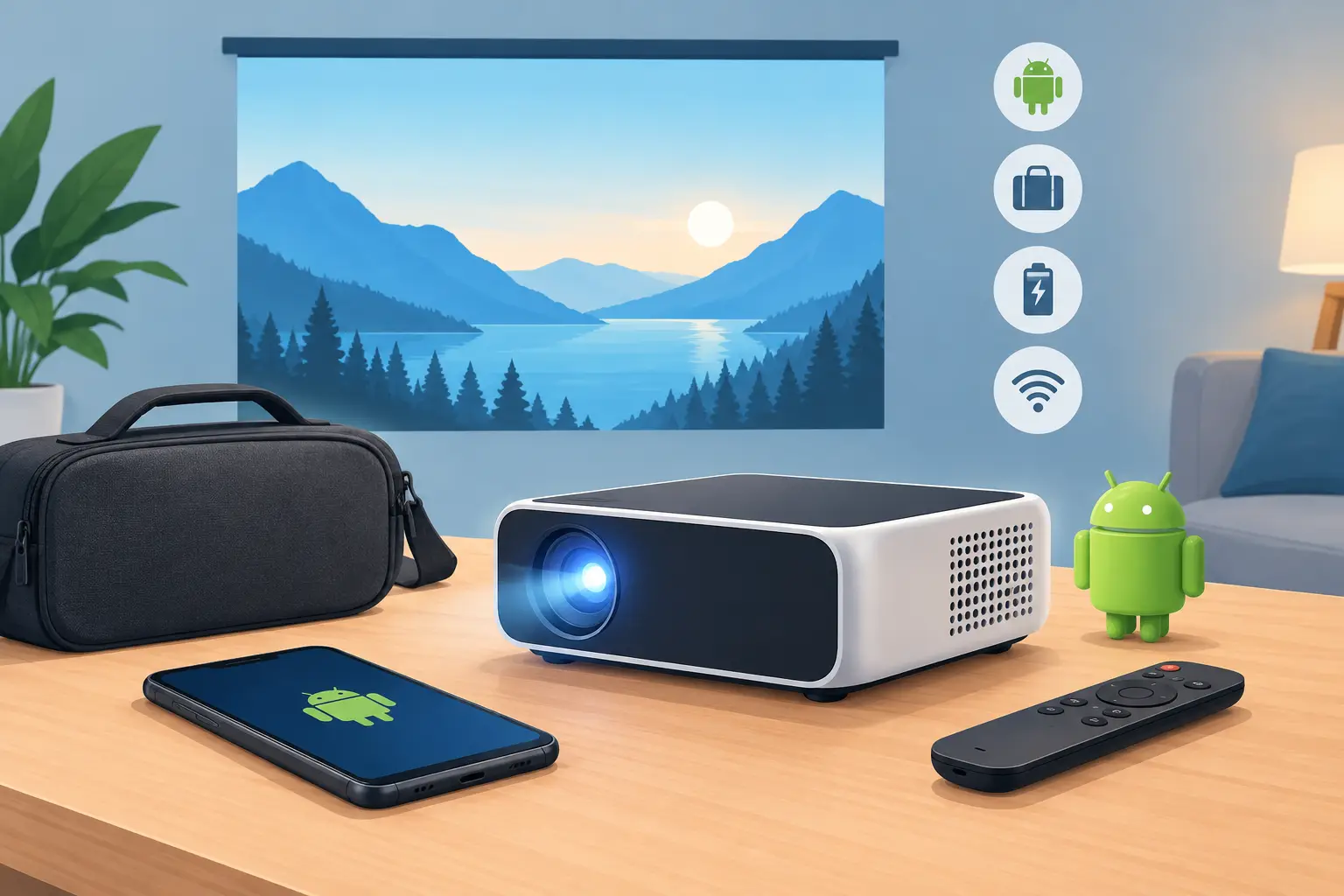
A projector that fits in a backpack can turn a blank bedroom wall into movie night, make a sales deck visible in a client's office, or give a teacher a larger teaching surface without a permanent installation. A portable android smart projector adds one major advantage: streaming apps, Wi-Fi, and a familiar smart interface are built into the projector itself. No laptop is required for every viewing session.
That convenience is valuable, but portability should not be confused with a one-size-fits-all solution. Small projectors vary widely in brightness, image quality, speaker performance, and app support. The right model depends on where you plan to use it, how much ambient light is present, and whether entertainment, work, or education is the priority.
What Makes a Portable Android Smart Projector Different?
A standard portable projector needs an external source, such as a laptop, media player, or streaming stick. An Android smart model includes an operating system that lets you connect to Wi-Fi, open supported apps, play content from USB storage, and often cast from a phone or tablet. Many models also include Bluetooth for an external speaker or wireless headphones.
For home users, this means fewer cables and less setup before a movie, live sports event, or gaming session. For a small business team, it can mean opening a presentation file or browser-based content without carrying extra hardware. In a classroom or training room, built-in wireless features can simplify sharing educational videos and visuals.
The trade-off is that Android versions, available apps, processing speed, and certification differ by model. Do not assume every projector provides the same streaming experience as a dedicated TV platform. Check whether the apps you need are supported and whether the projector has an HDMI input for a streaming device when needed.
Start With Your Room, Not the Product Listing
The most common buying mistake is selecting a compact projector based on appearance alone. Before comparing features, picture the actual room or location where it will be used.
A dark bedroom, apartment living room at night, and shaded outdoor patio can work well with many portable units. A bright training room with windows, a classroom used during the day, or a meeting area with overhead lighting requires more light output. In these spaces, a larger portable projector or a conventional business model may deliver a better result than an ultra-mini device.
Screen size matters too. A 100-inch image sounds appealing, but the image must stay bright enough at that size. Portable projectors generally look their best at a more modest image size when there is some ambient light. If you want a large image for frequent daytime viewing, prioritize higher ANSI lumens over extreme compactness.
Also measure the available distance from projector to wall or screen. A projector's throw ratio determines how large an image it creates from a specific distance. If your table is close to the wall, look for a short-throw option or confirm that the projector can produce your preferred image size within the available space.
Brightness: Look for ANSI Lumens
Brightness is where product comparisons can become confusing. Some compact projectors use promotional brightness figures that are not directly comparable across brands. ANSI lumens are a more useful measurement because they follow a recognized testing method.
For evening entertainment in a darkened room, a lower-lumen portable projector may be perfectly enjoyable. For presentations with lights on, choose substantially higher ANSI lumens whenever possible. The same rule applies to outdoor viewing: darkness helps, but nearby lamps, porch lighting, and city glow can quickly wash out a low-brightness image.
Brightness is not the only image-quality factor. Contrast, lens quality, color accuracy, and screen surface all influence what you see. Still, if your space cannot be darkened, brightness should be near the top of your shortlist.
Resolution Determines How Much Detail You Keep
Resolution affects text clarity, streaming detail, and the sharpness of presentations. Native resolution is the specification that matters most. Be careful with wording such as "supports 1080p" or "4K supported," which can mean the projector accepts a high-resolution signal but displays it at a lower native resolution.
For movies, streaming series, and general home entertainment, native Full HD 1080p provides a noticeably sharper image than basic HD when projected at larger sizes. It is also a practical choice for office slides, spreadsheets, teaching materials, and subtitles.
Lower-resolution portable models can still be useful for casual cartoons, simple video, or basic photo viewing. They are usually less suitable for fine text, detailed charts, and viewers sitting close to a large screen. If your projector will serve more than one purpose, Full HD is often the better long-term value.
Android Features Should Make Setup Easier
The best smart features reduce friction rather than add another menu to manage. Look for dependable Wi-Fi connectivity, a responsive interface, Bluetooth audio capability, and screen mirroring options that fit your devices. Android-based projectors may support casting from compatible phones, while other models can offer AirPlay support for Apple devices.
Physical connections remain important. An HDMI port gives you flexibility for a laptop, gaming console, media player, or presentation device. USB can be useful for local video files, photos, or documents. A 3.5 mm audio output remains helpful when connecting powered speakers where Bluetooth is not ideal.
For office and school use, do not rely only on wireless casting. Corporate networks, guest Wi-Fi restrictions, and device permissions can cause delays. An HDMI cable or wireless display dongle is a sensible backup for important meetings and training sessions.
Focus, Keystone, and Placement Matter More Than Expected
A portable projector is often moved from room to room, so quick setup features have real value. Autofocus can save time when repositioning the unit. Auto keystone correction can help square the image when the projector is not perfectly level or centered.
However, keystone correction is not a replacement for proper placement. Heavy digital correction can reduce effective image sharpness because the projector is reshaping the picture electronically. For the cleanest result, place the projector as straight and centered to the screen as possible, then use small adjustments only when necessary.
A compact tripod, stable table, or dedicated mount can make a major difference. If you use the projector regularly at home, a proper projector screen will usually improve contrast and brightness compared with a textured wall. For business and education, a portable screen can create a more consistent image across different venues.
Do Not Overestimate Built-In Audio
Many portable Android smart projectors include speakers, and they are convenient for personal viewing in a quiet room. Their limits become obvious in larger spaces, outdoor settings, or presentations where every voice needs to be heard. Projector fans and room noise can further reduce clarity.
For movie nights, a Bluetooth speaker or compact sound system adds depth and volume. For training sessions and classrooms, consider a speaker system designed for the room size. Check for Bluetooth output, audio-out ports, and possible audio delay before deciding how you will connect sound.
Battery-powered projectors can be attractive for travel, but runtime depends on brightness mode, speaker volume, and content. A claimed battery duration may be enough for a short presentation but not for a full double-feature movie night. If reliable power is available, using the supplied power adapter is usually the better choice for maximum brightness.
A Practical Checklist Before You Buy
When comparing a portable Android projector, confirm these essentials before focusing on promotional features:
- Native resolution, especially if you need readable text or Full HD streaming
- ANSI lumens and the lighting conditions where you will use it
- Throw distance and the image size possible in your room
- Android version, app availability, Wi-Fi, casting, and Bluetooth features
- HDMI, USB, and audio connections for backup devices
- Autofocus, keystone correction, and the type of mounting or surface you need
- Warranty coverage, local support, and availability of accessories
For buyers building a complete setup, think beyond the projector body. A screen, HDMI cable, wireless display adapter, tripod or ceiling mount, and external speaker may each solve a specific usage problem. ProjectorDisplay.com can help buyers compare projector specifications and request a quotation for a complete display package rather than leaving essential accessories as an afterthought.
A portable Android smart projector earns its place when it makes viewing, sharing, or presenting genuinely easier. Choose one that matches your room and routine, then give it the screen, sound, and placement it needs to create the big-picture experience you had in mind.